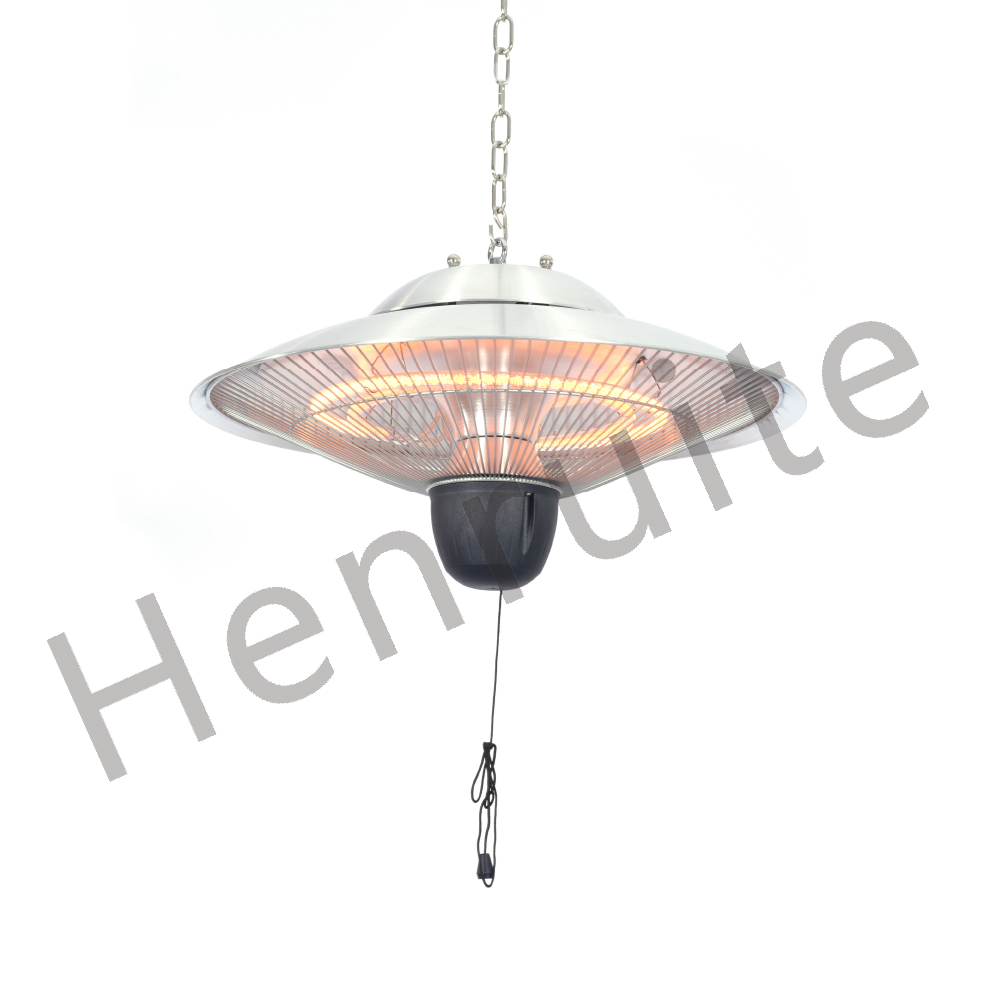
Making Your Smart Home Actually Warm (Even in the Wet Spots)
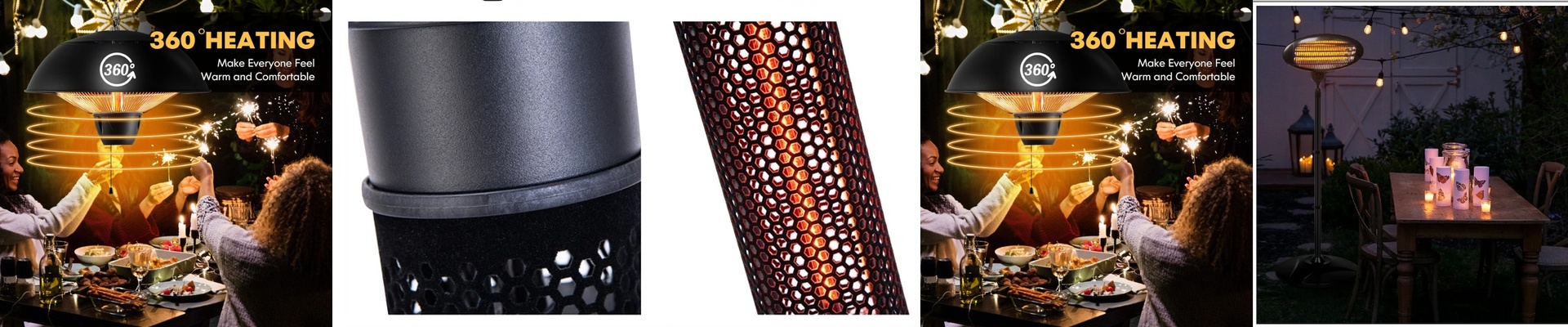
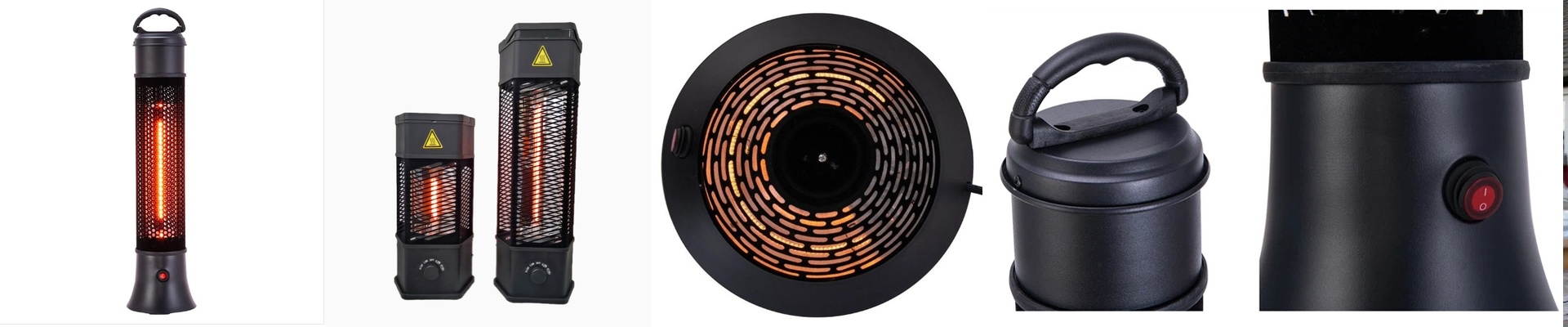
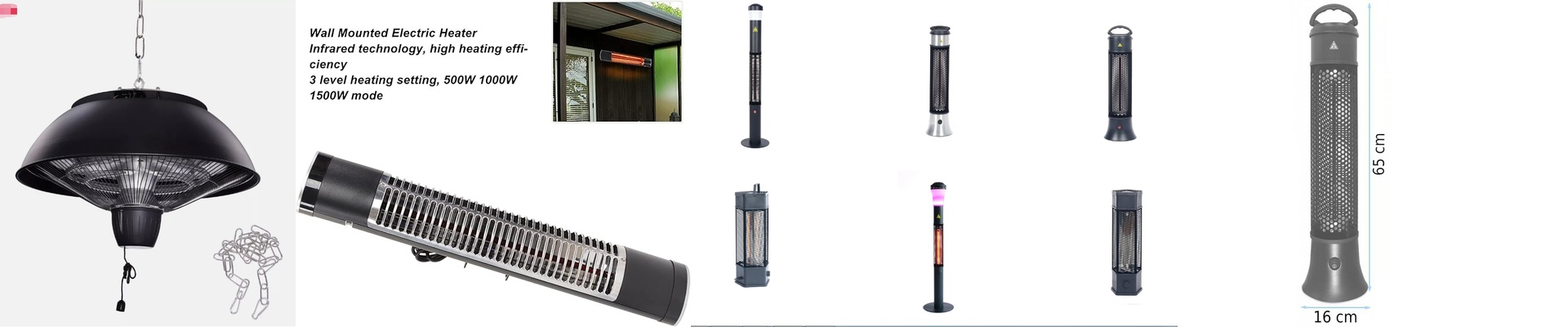
We build our infrared heaters to live in the places most electronics hate. I’m talking about bathrooms, patios, or those drafty outdoor hallways where moisture usually kills a heating element in no time. Because they’re IP65-rated, they don’t care about dust or a stray splash of water. They just keep working.
That “Instant Spring” Feeling
Most heaters try to warm up the air around you, which takes forever. These are different. They use short-wave infrared radiation, which means the heat goes straight to your skin and clothes. The second you flip the switch, you feel it. No waiting around in the cold for the room to “catch up.” It’s like stepping into a patch of sunlight on a chilly morning.
Getting it to Play Nice With Your Smart Home
If you want to ditch the manual dials and control everything from your phone, you’ll need to use digital relays or PWM controllers. You basically wire the heater into a smart gateway using Zigbee or Matter. Here is the trick: when you hit “Warm” in your app, the system tells the relay to open the floodgates. The halogen or quartz tube glows instantly. **A word of warning here.**Please, don’t go cheap on the switches. These heaters pull a lot of power, and a flimsy relay will burn out fast under that kind of load. Stick with high-current gear.
A Few Things to Watch Out For
The same seal that keeps water out also keeps heat in. Since the chassis can get pretty hot, make sure whatever you’re mounting it to can take the heat. If you cram too many of these into a tight space without any airflow, you’re probably going to trip the thermal cutoff. Also, keep an eye on your circuit breaker. When these things kick on, there’s a big spike in power. If you’ve got a few of them on one loop, a standard 16A breaker might just give up. If you’re doing a big installation, just give them their own dedicated circuits. It saves a lot of headaches later.